I needed to allow access to my Dashing dashboard over ssl from the Internet. I decided to proxy it behind Apache and get Apache to do all the SSL heavy lifting, mainly because I couldn’t work out if and how you could enable SSL within Dashing itself.
It turned out to be quite simple to implement. I simply created a vhost configuration for my dashboard and enabled it in Apache.
Create a file called dashboard in /etc/apache2/sites-available/ with the following content:
<VirtualHost *:80>
 ServerName dashboard.example.com
 Redirect permanent / https://dashboard.example.com/
</VirtualHost>
NameVirtualHost *:443
<VirtualHost _default_:443>
 SSLEngine On
 SSLCertificateFile /etc/ssl/CAcert.cert.pem
 SSLCertificateKeyFile /etc/ssl/private/key.pem
 ServerAdmin webmaster@localhost
 ServerName dashboard.example.com
 ErrorLog "/var/log/apache2/dashboard-error_log"
 CustomLog "/var/log/apache2/dashboard-access_log" common
 <Proxy *>
   Order allow,deny
   Allow from all
 </Proxy>
 ProxyPass / http://mylocalserver.example.com:3030/
 ProxyPassReverse / http://mylocalserver.example.com:3030/
</VirtualHost>
Ensure the proxy modules are enabled:
$ sudo a2enmod proxy
Enabling module proxy.
To activate the new configuration, you need to run:
service apache2 restart
$ sudo a2enmod proxy_http
Enabling module proxy_http.
To activate the new configuration, you need to run:
service apache2 restart
$
Enable the new dashboard site:
$ sudo a2ensite dashboard
Check your configuration is working before restarting apache:
$ sudo apachectl configtest
Syntax OK
$ sudo service apache2 restart
[ ok ] Restarting web server: apache2 ... waiting .
$
Don’t forget to delegate your dashboard.example.com hostname to resolve to your apache server’s IP address.
Now visit http://dashboard.example.com/name_of_your_dashboard. Your browser should automatically get redirected to https://dashboard.example.com/name_of_your_dashboard and you should see your dashboard.
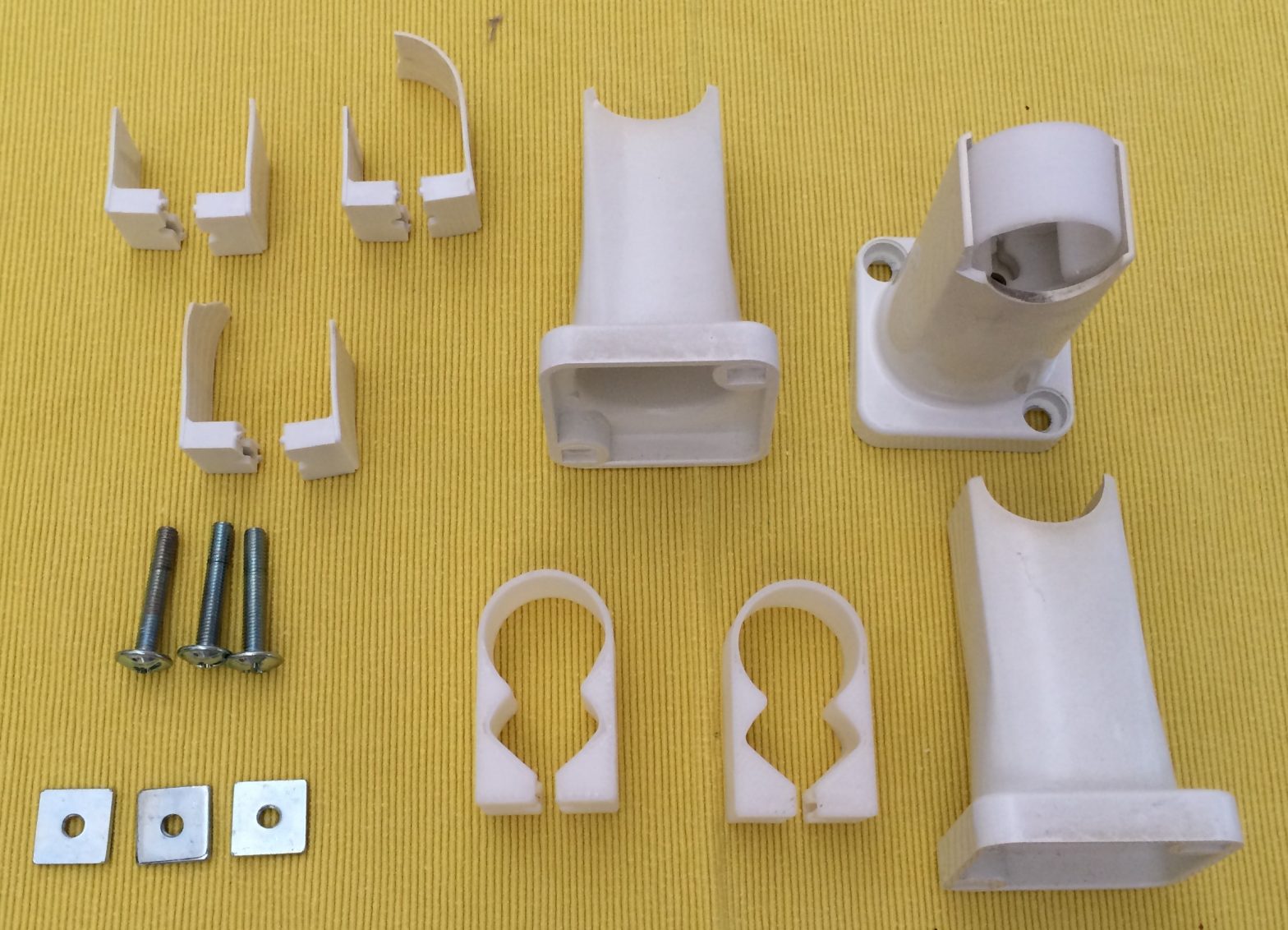
Our heated towel rail’s brackets broke from old ages recently. After investigating getting a new towel rail and finding out they were quite expensive, I decided to try and design and 3D print new brackets for it.
The first cut of the design turned out to have too little space for the nuts. A second draft with a little more space and it worked perfectly.
The top left of the above image shows the broken parts and the bottom center shows 2 of the 3d printed replacement parts.
Update 2016-03-26
Someone emailed me mentioning that their “Posh” heated towel rail had the same problem. A bit of googling around revealed a link a Goldair Towel Rail Bracket and Strap kit that looks like it contains the same straps as mine. This might help others find the relevant parts. Goldair have an Australian site too but it makes no mention of the strap kits.
Have you ever wanted to give several users permission to work on files within a directory, but then struggled with what permissions and user:group ownership to set them to so users can always edit the files?
You might think the solution is to make the parent directory owned by a common group, lets say dev, and then try and make the permissions flow through to the files within. This doesn’t work though, and new files will still be created with the user’s umask, typically 644, which is no good as it results in the other users not being able to edit the file.
The solution lies in ACLs (Access Control Lists). Thanks to Pelle at Stackoverflow for making such a concise set of steps to set this up. Blatantly copied here:
First add the acl option to the mounted partition where the directory is you want to apply this to. Add the acl option to the mount point in /etc/fstab:
/dev/xvda1 / ext3 errors=remount-ro,acl 0 1
Then remount the filesystem to enable it:
# mount -oremount /
Then set the permissions using the setfacl command:
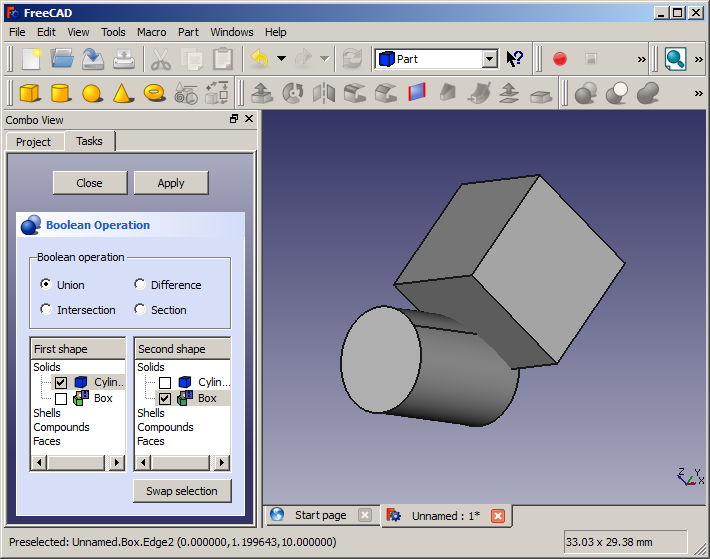
Cylinder intersecting a cube
Hack A Day has a great article introducing FreeCAD.
FreeCAD is a parametric 3D modeler. Parametric modeling allows you to easily modify your design by going back into your model history and changing its parameters. FreeCAD is open source (LGPL license) and completely modular, allowing for very advanced extension and customization.
I’ve wanted a reliable source of information on LED light bulbs for a long time. Well apparently it does exist. ledbenchmark.com have brief reviews and comparisons of many blubs and it seems to be done in a nice scientific way.
I recently migrated a server to a virtual machine, and while it was mostly a smooth process, I did encounter a couple of problems.
Ensure that any licensing services will run on the new virtual hardware. Our accounting system’s license server wouldn’t run until it was set up with new licenses.
Check date and time are correct on the new host and guest vm.
Make sure the server is set to use a static IP addresses before migrating.
I’ve been getting messages like the ones below from cron my debian box for some time now. I finally got sick of seeing them and I tracked down the error. /etc/cron.daily/amavisd-new:
Please run this cronjob as user amavis
run-parts: /etc/cron.daily/amavisd-new exited with return code 1
At some point the debian package moved the cron config file from /etc/cron.daily/amavisd-new to /etc/cron.d/amavisd-new but for some reason when upgrading, it does not remove the old config file, leaving you with an erroneous file.
All you need to do is delete /etc/cron.daily/amavisd-new and the messages should go away.
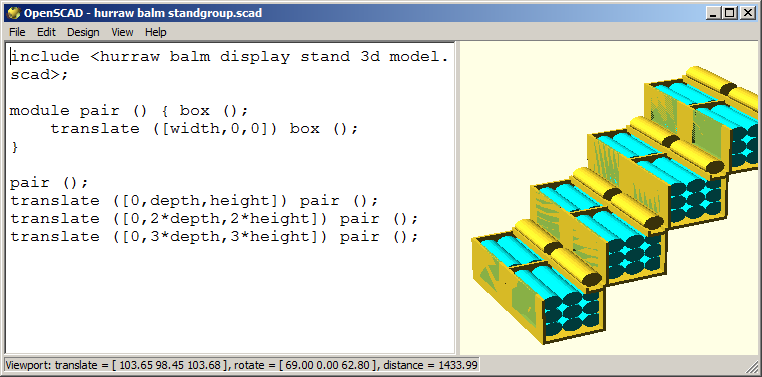
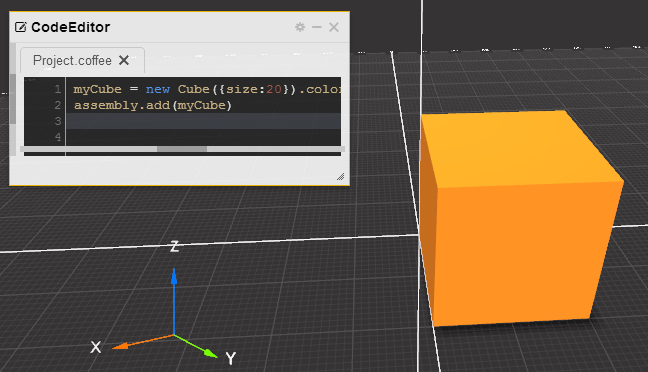
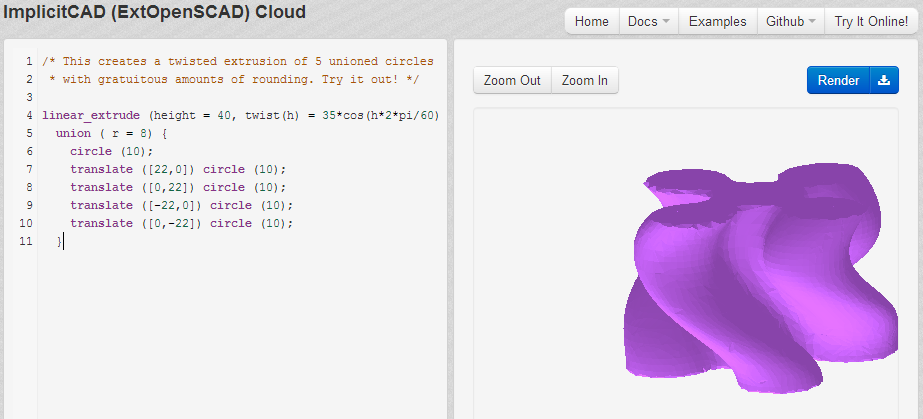
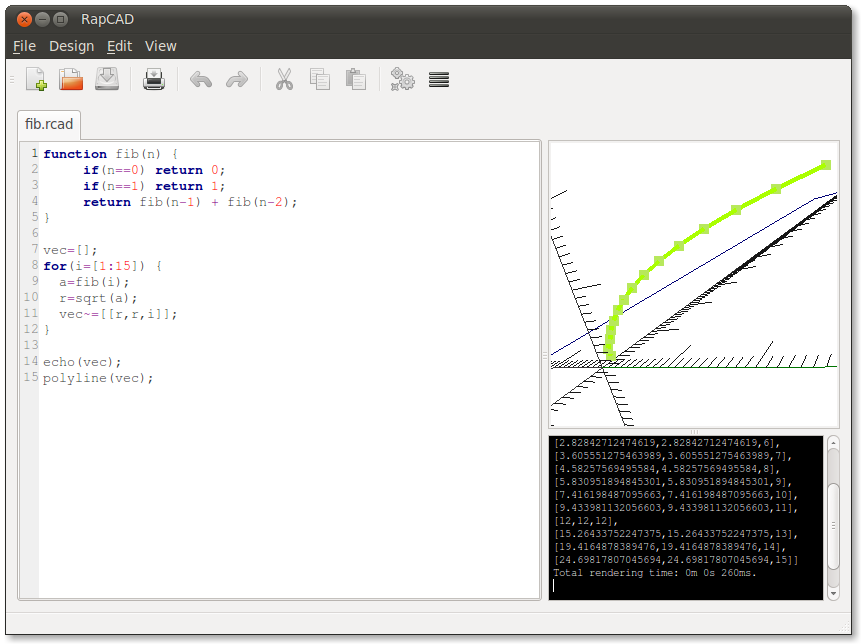
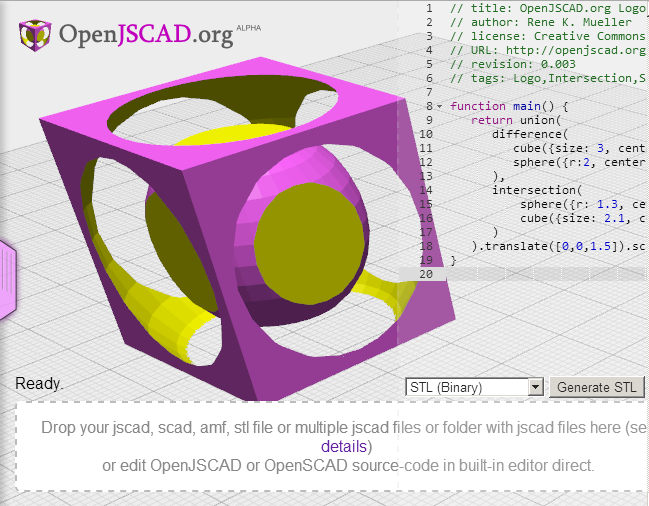
There are quite a few programatic CAD, OpenSCAD alternatives out there. I am collecting a list of them and providing links to them here. The requirements to be included in this list are:
Free and libre.
They are a programming language as opposed to a GUI.
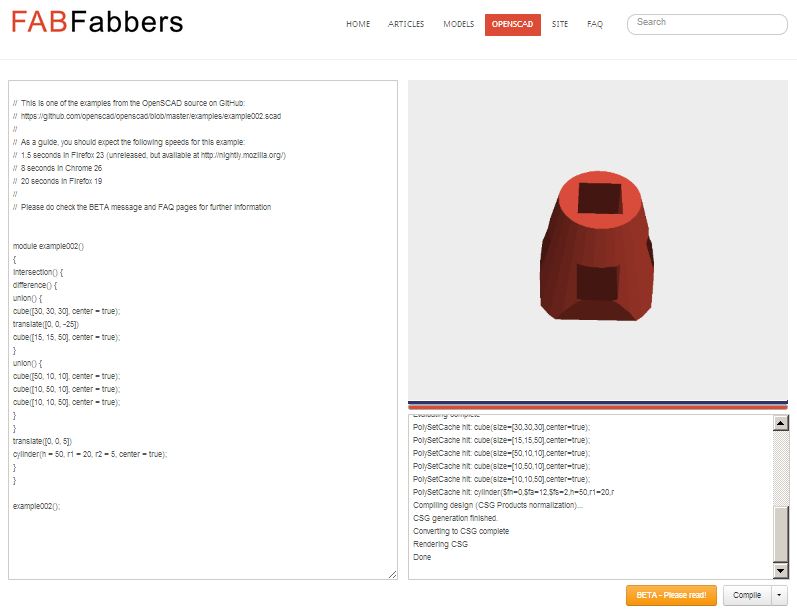
OpenSCAD: The most well known programmatic CAD program. Probably the original open source one that I am aware of. CoffeeSCad: Solid CAD modeling in your browser, with a CoffeeScript based syntax (and lots more!) ImplicitCAD: Powerful, Open-Source, Programmatic CAD. Haskell and extopenscad. RapCAD: Rapid prototyping CAD IDE for RepRap and RepStrap 3D printing machines. OpenJSCAD: OpenSCAD + JavaScript = OpenJSCAD, edit locally or remote online, preview in browser direct via WebGL. FABFabbers bills itself as “a new site for the 3d printing community”. It provides in browser OpenSCAD compilation and linking to github projects.
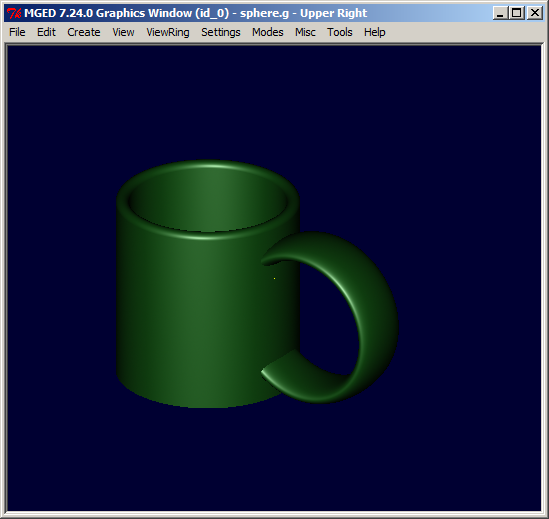
Update: Atomic let me know about BRL-CAD, the free military-grade antecessor to all of these.
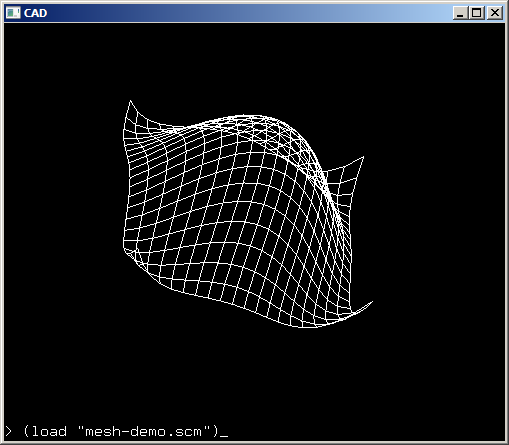
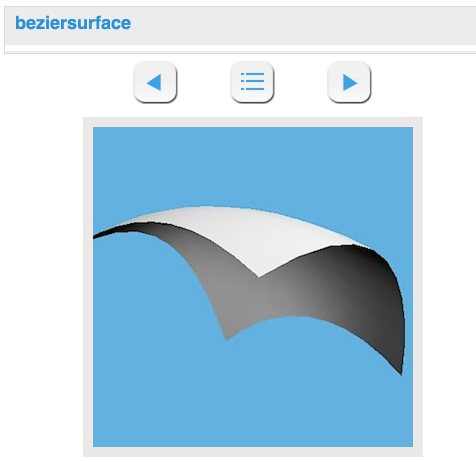
Update 2: gzmask pointed out SchemeCad, a programmable 3D CAD tool that supports wireframe models and features animation. Users can program Scheme Cad by writing extensions in Scheme (a dialect of LISP). It’s available for Windows and Linux.
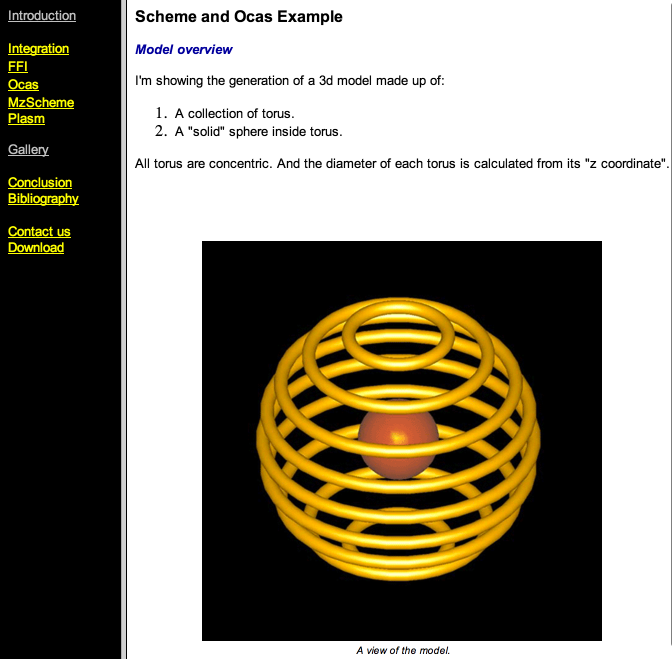
Update 3: CScheme is the integration of geometric kernels in a functional language.
;export the model(define(print-brep shape filename)(BRepTools_Write shape filename));translate an object(define(translate obj x y z)(let((vec (make-object gp_Vec% x y z))(trsf (make-object gp_Trsf%)))(begin(send trsf SetTranslation vec)(send (make-object BRepBuilderAPI_Transform% obj trsf #t) Shape))));make a structure from two given object(define(structure obj1 obj2)(let((compound (make-object TopoDS_Compound%))(builder (make-object BRep_Builder%)))(begin(send builder MakeCompound compound)(send builder Add compound obj1)(send builder Add compound obj2) compound)));make a structure from a list of object(define(composite lis)(if(list? lis)(cond((=(length lis)0)(error "empty list"))((=(length lis)1)(car lis))(else(make-compound (car lis)(composite (cdr lis)))))(error "Not a list")));build a torus(define(torus radius circle)(make-object BRepPrimApi_MakeTorus% radius circle));build a sphere(define(sphere radius)(make-object BRepPrimApi_MakeSphere% radius));calculate the torus dimension(define(radius z)(sqrt(-1(* z z))));make all torus objects(define(torus-on-sphere the-list)(composite(map(lambda(z)(translate (torus (radius z)0.05)0.00.0 z)) the-list)))Final export operation;export the model(print-brep(structure(sphere 0.3)(torus-on-sphere (list -0.93 -0.75 -0.5 -0.25 00.250.50.75 +0.93)))"./torus.brep")
and PLaSM: a functional language for computing with geometry.
Thanks to Kristoffer Josefsson for those two.
Update 4: Parametric Parts allows consumers to create and print 3D parts through our web-based platform. Anyone can make an idea come to life, even without technical expertise or prior 3D experience. It apparently uses CadQuery for its backend. CadQuery is an intuitive, easy-to-use python based language for building parametric 3D CAD models. CadQuery is for 3D CAD what jQuery is for javascript. Imagine selecting Faces of a 3d object the same way you select DOM objects with JQuery! Thanks to Monique for pointing them out.
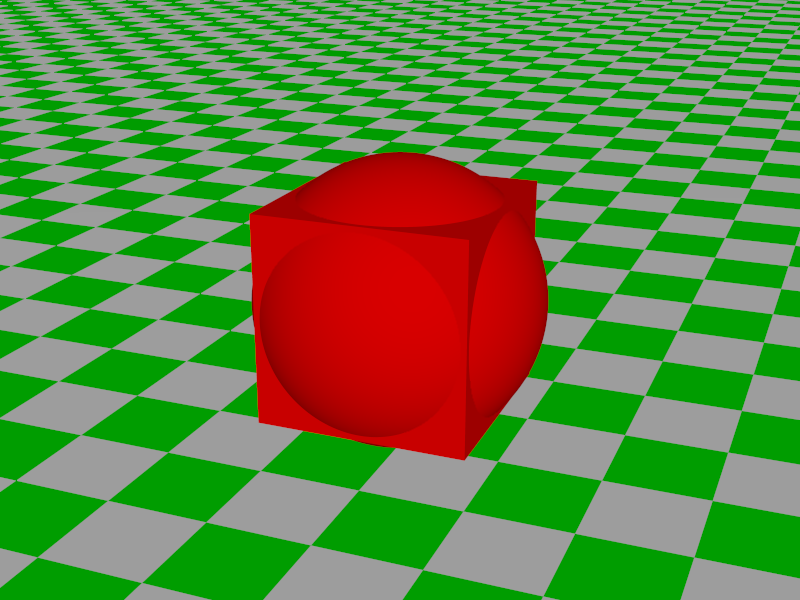
Pierre left a comment to let me know about POV-Ray. The Persistence of Vision Raytracer (POV-Ray) is a high-quality, Free Software tool for creating stunning three-dimensional graphics. The syntax looks very similar to OpenSCAD and C.
#include"colors.inc"camera{ location <4,4,-10> look_at 0 angle 36}light_source{<500,500,-1000> White }plane{ y,-1.5 pigment{ checker Green White }}union{ box{-1,1} sphere{0,1.375} pigment{ Red }}
Today I needed to copy a line multiple times in emacs. I needed 8 copies, but how to do that in emacs short of pressing C-y to yank 8 times? My initial guess was to try C-u 8 C-y but that yanks the 8th item from the kill ring.
Fuco on #emacs supplied the awesome answer: F3 C-y C-8 F4
So what does that do? F3starts recording a macro, C-yyanks the line, then within the macro itself you can add a numeric argument of 8 using C-8. End recording of the macro with F4. Emacs then runs the macro 8 times. Recall that pressing F4 after ending recording of the macro runs the macro.